Understanding the Cricut Machine
What is Cricut and How Does it Work?
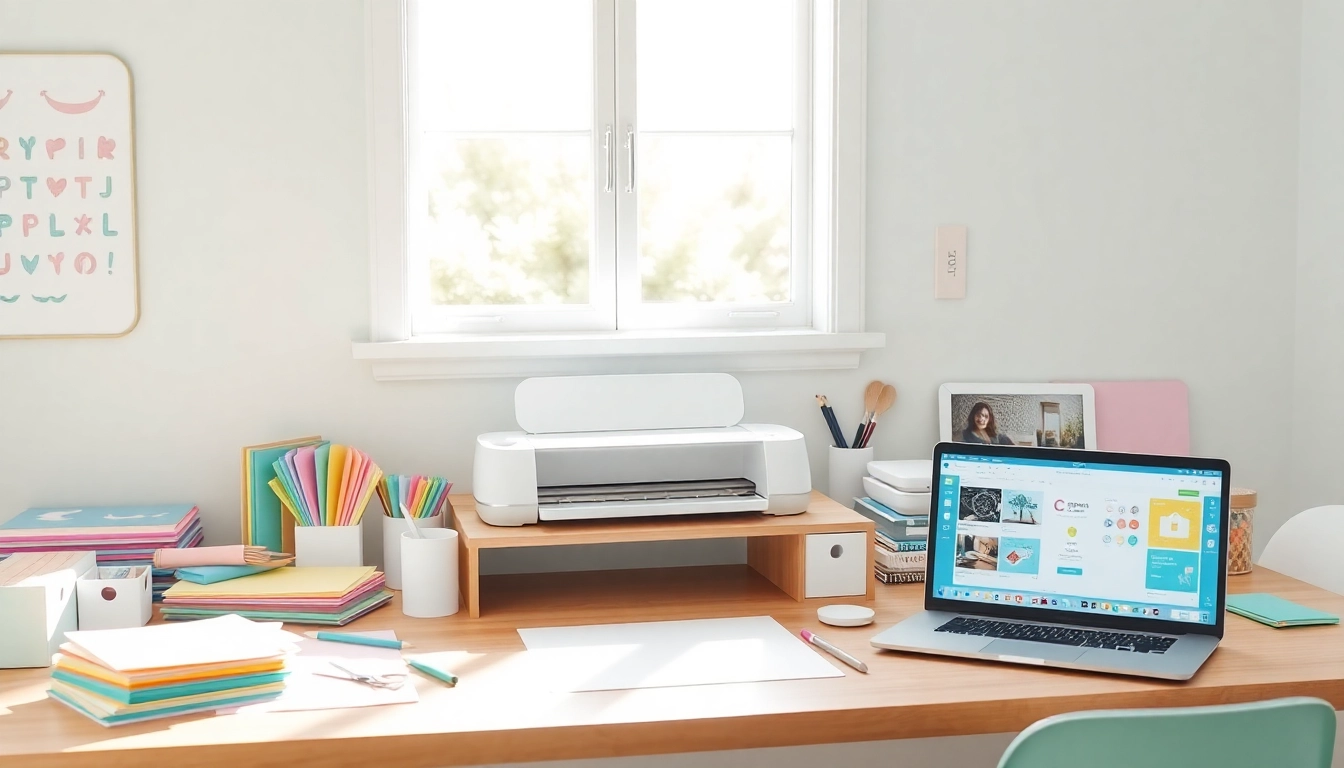
The Cricut is a versatile cutting machine that allows users to create intricate designs and crafts with ease. It employs a blade to cut materials like paper, vinyl, fabric, and more, making it an essential tool for both hobbyists and professionals. The machine connects to a computer or smartphone via Bluetooth, enabling users to design their projects using the Cricut Design Space software. This software is intuitive and user-friendly, offering a wide range of templates and fonts that can help even the most novice users.
Types of Cricut Machines for Beginners
For beginners, there are several Cricut machines to consider, each with unique features:
- Cricut Joy: Ideal for small projects and beginner-friendly, the Cricut Joy is compact and easy to use.
- Cricut Explore Air 2: A versatile option with dual tool capabilities, perfect for cutting and writing.
- Cricut Maker: Offers the most features, including cutting different materials, suitable for serious crafters.
Essential Accessories for Cricut Users
To maximize your crafting experience, having the right accessories is crucial. Essential items include:
- Cricut Mat: Various mats are available depending on the materials you’re cutting.
- Blades: Different types of blades are used for various materials, such as fine-point blades for paper and deep-point for thicker materials.
- Tools: Weeding tools, scrapers, and spatulas make handling your projects easier.
Getting Started with Your Cricut
Setting Up Your Cricut for the First Time
Setting up your Cricut for the first time can be exciting yet a bit daunting. Start by unboxing your machine and ensuring you have all necessary components. Follow the setup instructions included in the box and connect the machine to your computer or smartphone. Once connected, you can download the Cricut Design Space software. For comprehensive insights, Cricut for beginners offers guidance on the setup process and initial troubleshooting tips.
Basic Cricut Design Space Functions Explained
Cricut Design Space is the heart of your crafting experience. Here are key functions to become familiar with:
- Canvas: A blank space where you can design and organize your projects.
- Layers Panel: This helps you manage different elements of your design.
- Upload Feature: Allows you to upload images and designs from your computer to personalize your projects.
First Steps for New Users: Creating Your First Project
For your first project, start simple. Choose a pre-made design from the Cricut library, or create your own using basic shapes and text. After designing, load your chosen material onto the cutting mat, and send your project to the machine. Once it’s cut, weed away excess material to reveal your design.
Popular Cricut Projects for Beginners
Simple DIY Home Décor Projects
Home décor projects are a great way to start using your Cricut. Consider making:
- Wall art: Create custom wall decals or framed art.
- Customized pillows: Use iron-on vinyl to make decorative pillow cases.
- Seasonal decorations: Craft items for holidays, like banners or table settings.
Fun and Functional Crafting Ideas for Gifts
Handmade gifts carry a personal touch. Here are some ideas:
- Personalized mugs: Use vinyl to add names or quotes to ceramic mugs.
- Gift tags: Create unique tags for any occasion with intricate designs.
- Customized calendars: Design a calendar featuring personal photos or important dates.
Personalized Items: Making Gifts Special
Personalization is key in making gifts memorable. Consider options like:
- Monogrammed towels: Use your Cricut to add initials to towels or bathrobes.
- Customized jewelry: Create name necklaces or bracelets with engraved charms.
- Photo frames: Personalize frames with vinyl quotes or embellishments.
Troubleshooting Common Cricut Issues
Common Mistakes and How to Avoid Them
Even seasoned users face challenges. Common mistakes include incorrect material settings or not using the right cut mat. Always double-check your material type in the Design Space before cutting, and ensure your mat is clean and sticky enough to hold the material securely.
Fixing Cutting Problems: Techniques and Tips
If you encounter cutting issues, consider these techniques:
- Blade Maintenance: Regularly check and replace your blades as they become dull.
- Material Compatibility: Ensure that the material is compatible with your machine’s capabilities.
- Calibration: Periodically calibrate your machine to maintain cutting precision.
Resource Guides for Ongoing Support
Joining online communities or forums can provide ongoing support. Websites, YouTube channels, and dedicated Cricut forums are valuable resources for troubleshooting and learning new techniques.
Future Trends in Cricut Crafting
Upcoming Features in Cricut Software and Technology
The Cricut team consistently innovates, with updates to Design Space expected to include improved user interfaces and new design functionalities that streamline the crafting process. Users can look forward to enhanced AI features that suggest designs based on user preferences.
Community Insights: What Beginners Should Expect in 2026
The crafting community is evolving. In 2026, beginners can expect a more collaborative environment where users share their projects, tips, and tricks through social media and forums. Online workshops and tutorials are also set to become more prevalent.
Innovative Materials to Explore with Cricut
As technology advances, new materials are becoming available for cutting, such as printable vinyl and specialty papers. Experimenting with these materials can open up new creative avenues for projects.
About the Author